
Windows Productivity for Corporate Users
Save hours on repetitive work in Windows without admin rights
Practical productivity strategies for office workers using everyday Microsoft tools.
Built for real jobs, real constraints, and real deadlines.
Works with: Excel, Outlook, Teams, File Explorer, PowerToys, Microsoft 365
What you’ll find
Practical guides designed for corporate Windows environments, where you can’t install whatever you want.
No admin rights required
Tips and workflows that work in locked-down corporate environments.
Repetitive work, automated
Shortcuts, templates, and automations to speed up recurring tasks.
Pragmatic and time saving
No theory, just practical steps you can use today to save time.
Free guide
7 Corporate-Safe Windows Quick Wins
A practical PDF for office workers who want faster, lower-friction work on a locked-down Windows PC. Apply each idea in under 30 minutes, with no admin rights or complex setup required.
- Reduce interruptions from notifications, alerts, and reactive inbox habits
- Save clicks with built-in Windows tools you probably already have
- Cut digital clutter so files, apps, and tasks are easier to find
- Work faster with keyboard-first habits for common Microsoft 365 tasks
One practical quick win per week. No spam. Unsubscribe anytime.
Enter your email to get the guide and receive one practical tip per week.
Helpful reading
Recent articles
-
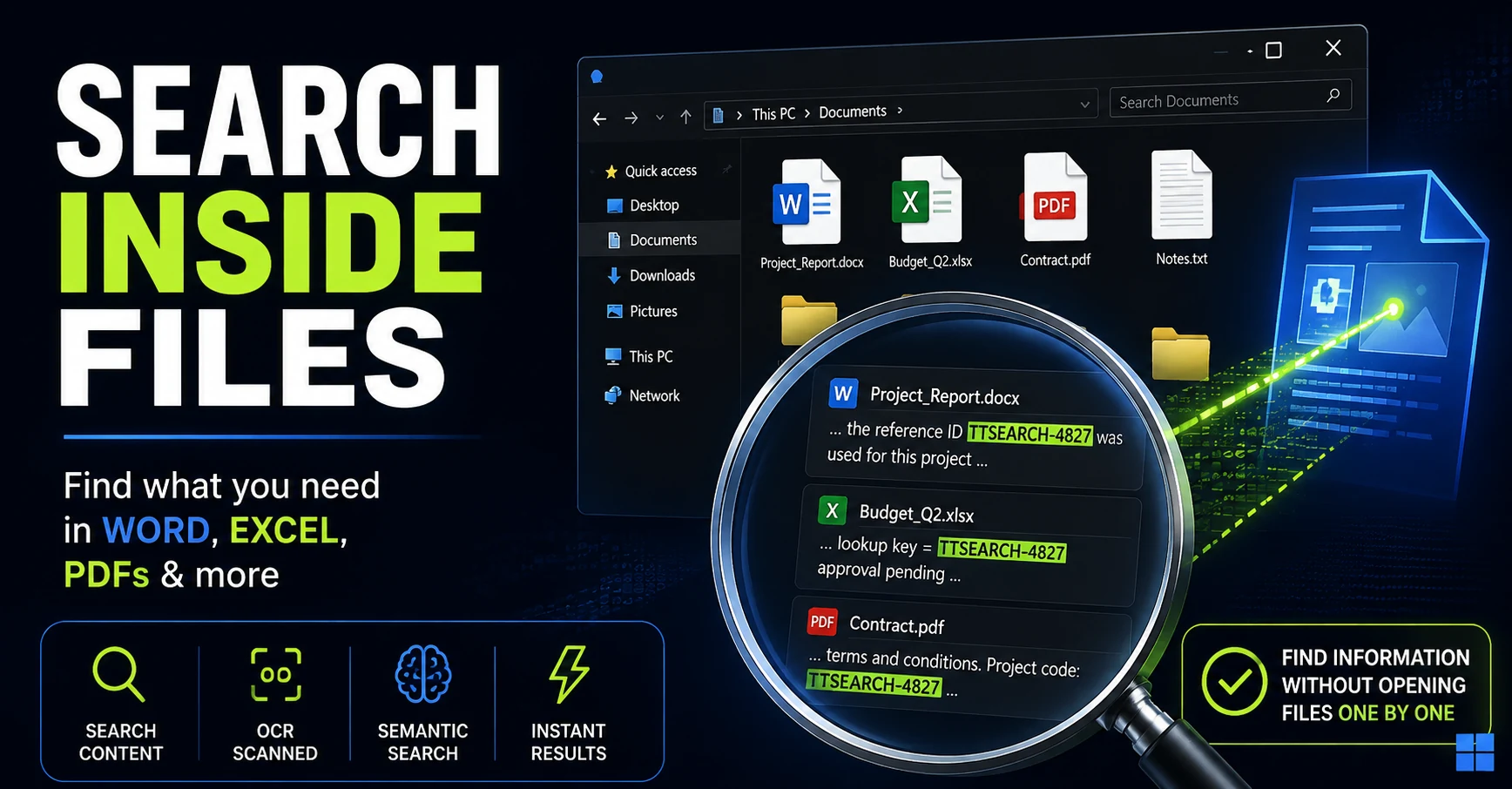
How to Search Inside Files on Windows Without Opening Them One by One
Remember the text but not the filename? Here are the Windows search methods I tested for finding words, numbers, and even ideas buried inside Office documents and PDFs.
-
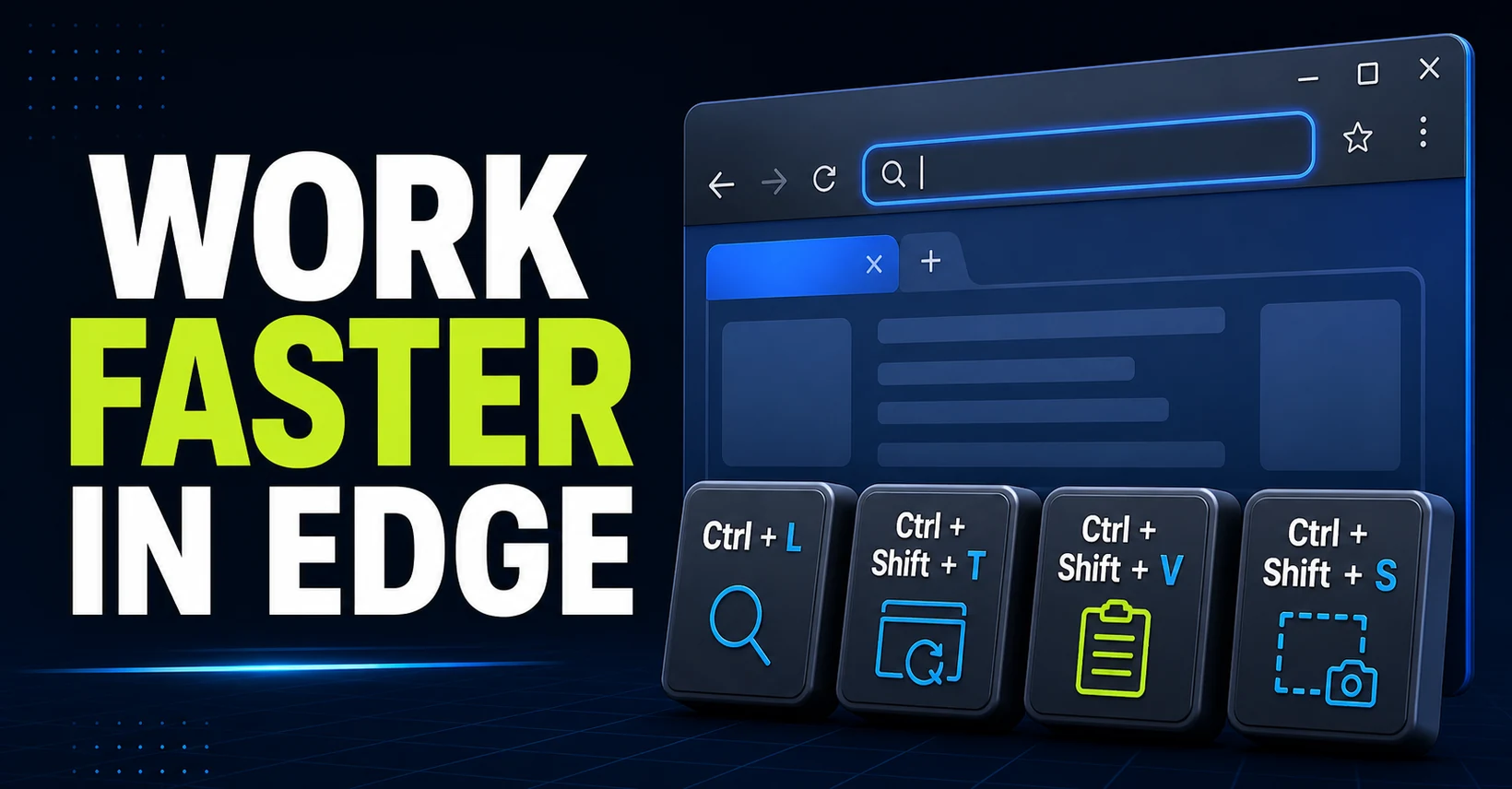
The Best Microsoft Edge Shortcuts for Office Work
Learn the Microsoft Edge shortcuts that save time at work, from searching and tab management to clean pasting, screenshots, downloads, and history.
-
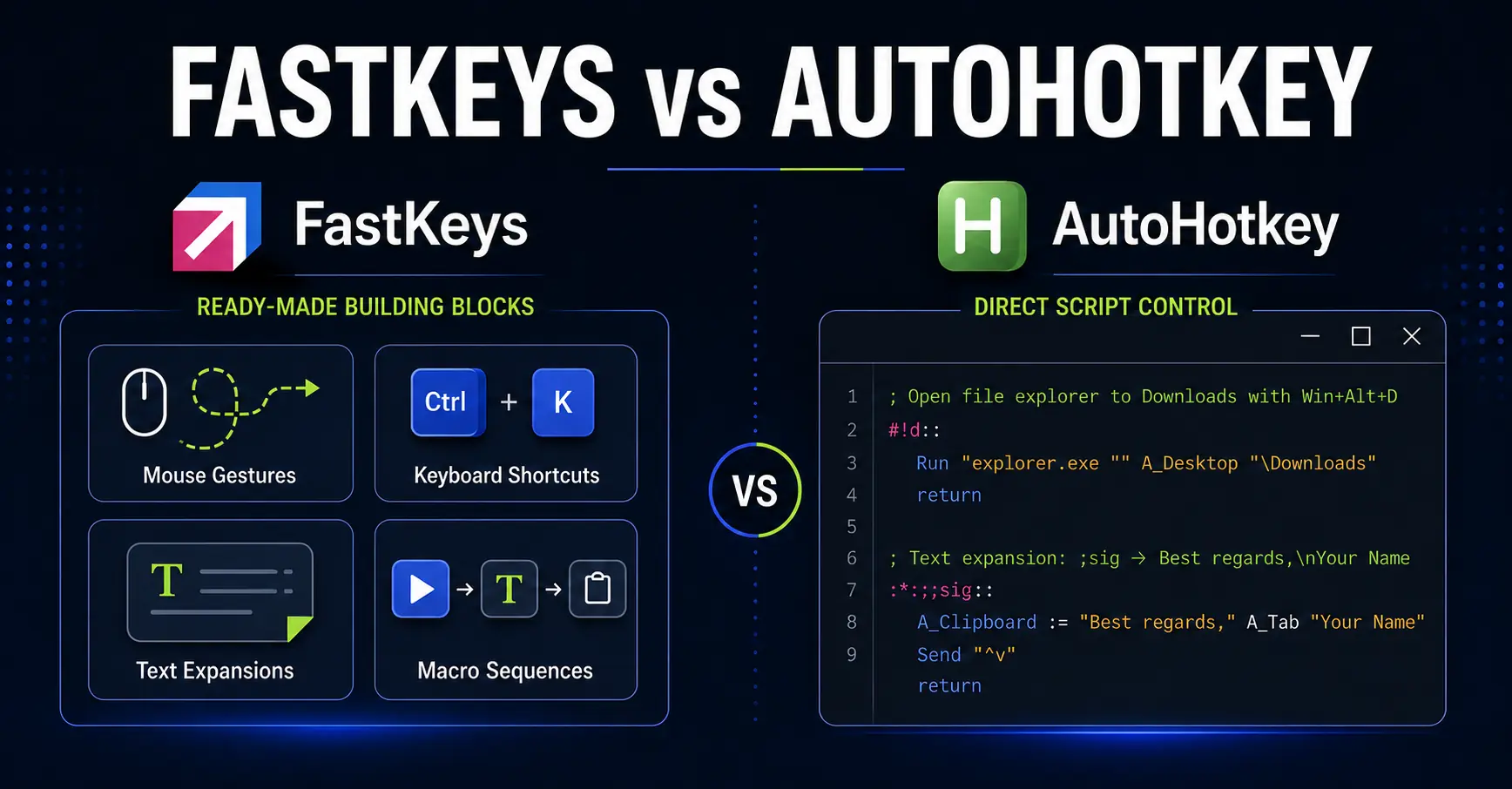
FastKeys vs AutoHotkey: Which Is Better for Office Automation?
Compare FastKeys and AutoHotkey for office automation. Decide between ready-made Windows features, direct scripting control, and enterprise management.